
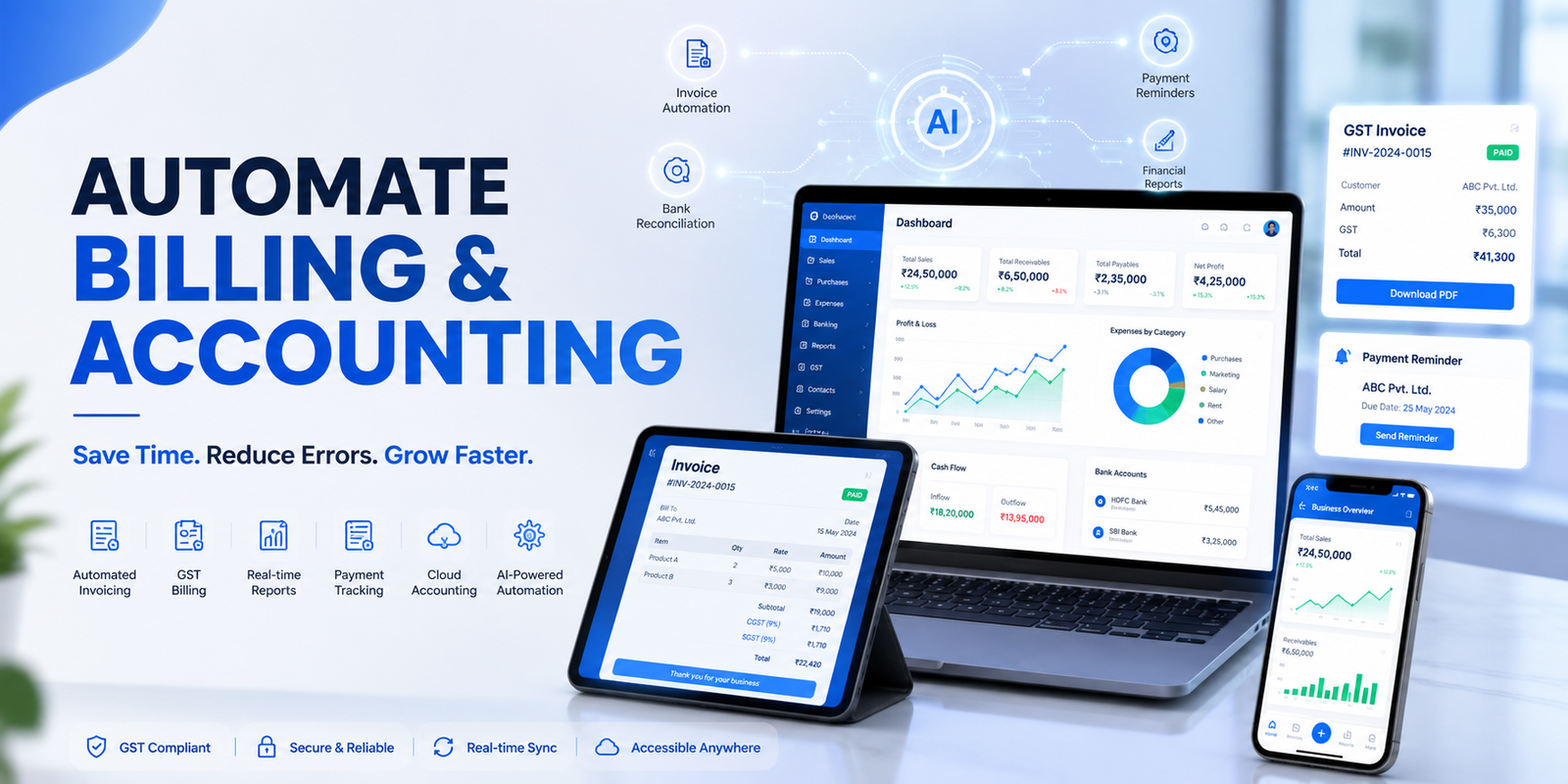
Every week, thousands of Indian businesses spend hours doing the same things: typing out invoices, chasing payments, manually reconciling bank statements, and then scrambling at month-end to put together reports. It's exhausting — and completely avoidable.
Billing and accounting automation is the use of software to handle these repetitive financial tasks automatically. When a sales invoice is created, it updates receivables. When a payment comes in, it reconciles itself. When the month ends, your P&L is already ready.
Businesses relying on manual billing and accounting processes spend an average of 6–10 hours per week on data entry alone — time that could be spent growing revenue, serving customers, or making better business decisions.
As transaction volumes grow, the problems compound. Errors multiply. Reconciliation takes days. And critical financial decisions get made on stale data.
What Is Billing and Accounting Automation?
The Foundation
Billing and accounting automation connects your financial processes so information recorded in one place updates everything else automatically — without anyone having to re-enter it.
- Invoice creation and delivery to customers
- Recording of sales and purchase transactions
- Payment tracking and overdue reminders
- Bank statement import and reconciliation
- GST returns, TDS calculations, and compliance filings
- Financial reports: P&L, Balance Sheet, Cash Flow
The result is a business where financial records are always current, accurate, and ready — without a team spending hours updating them manually.
Steps to Automate Billing and Accounting
The 9-Step Framework
Here is the most practical path to implementing billing and accounting automation for your business, whether you're a small trader, a growing SME, or an established enterprise.
Standardise the Billing and Accounting Process
Automation works best when the underlying process is clear and consistent. Before implementing any software, map out exactly how invoices are created, how payments are received, how expenses are recorded, and how transactions are reconciled.
- Invoice numbering and format (consistent template)
- Payment terms (Net 7, Net 30, advance, credit)
- Expense approval rules and categories
- Bank account linkages and reconciliation frequency
- GST classification for all products and services
Standardising these first ensures automation produces accurate and reliable results — garbage in, garbage out applies here more than anywhere else.
Choose Software That Connects Billing and Accounting
Many businesses end up with duplicate work because billing and accounting run in separate systems — invoices created in one application, manually re-entered into accounting records. This creates errors and wastes hours every week.
- A single system that handles invoicing, payments, and accounting
- Automatic ledger updates when invoices are raised or received
- GST-compliant invoicing built in (not a manual workaround)
- Bank integration for automatic transaction import
- Multi-user access with role-based permissions
TallyPrime manages billing, payments, inventory, and accounting within a single connected workflow — so invoices, receipts, and payments update accounting records automatically, without any manual intervention.
Automate Invoice Creation
Invoice generation is one of the easiest and highest-impact processes to automate. Set up templates with predefined customer information, tax rates, pricing structures, and payment terms — so every invoice is consistent and error-free.
- Auto-populated customer details and GSTIN
- Correct GST rates applied to each line item automatically
- Recurring invoices for contracts, subscriptions, or retainers
- Instant delivery via email, WhatsApp, or print
- Unique invoice numbers with no duplicates or gaps
- E-invoicing and e-way bill generation for applicable transactions
This alone eliminates the most common billing errors — wrong GST rates, missing fields, duplicate invoice numbers — and frees up hours of manual effort every month.
Automate Accounting Entries
Billing automation delivers its greatest benefit when invoices update accounting records automatically. This is where manual businesses lose the most time — re-entering the same data that already exists in the invoice.
- Sales invoice raised → Customer receivable updated, revenue ledger posted, GST output credited
- Purchase invoice received → Supplier payable updated, expense ledger debited, GST input credited
- Payment received → Receivable reduced, bank balance updated, outstanding cleared
- Payment made → Payable reduced, bank balance updated, cash flow statement updated
Every transaction flows through the system once and updates all relevant accounts automatically. The result is a real-time, accurate set of books — always.
Set Up Payment Tracking and Reminders
Outstanding receivables are one of the biggest cash flow problems for Indian businesses. The solution isn't chasing payments manually — it's automating the follow-up so nothing slips through.
- Real-time view of all outstanding invoices and due dates
- Automatic payment reminders before due date (e.g., 3 days prior)
- Overdue reminders triggered automatically after due date
- Ageing analysis showing 0–30, 30–60, 60–90+ day receivables
- Instant receipt recording when payment arrives
This improves collection efficiency dramatically and gives you a clear, current picture of what money is coming in and when.
Automate Bank Reconciliation
Manual bank reconciliation is one of the most time-consuming tasks in any finance team's month. Comparing bank statements line-by-line against accounting records can consume an entire day — or more.
- Before: Download statement → manually match each entry → investigate discrepancies → correct errors → 4–8 hours per month
- After: Bank statement imported automatically → transactions matched → only exceptions flagged for review → 20–30 minutes per month
Automated reconciliation speeds up month-end closing and improves the reliability of your financial records. You stop spending time on comparison and start spending it on decisions.
Set Up Approval Workflows for Exceptions
Not every transaction should flow through automatically without review. Good automation includes the right controls — so you don't lose visibility or oversight as processes speed up.
- Invoices above a defined value threshold
- Vendor payments above an approval limit
- Credit notes or discounts beyond standard rates
- New supplier or customer account creation
- Expense claims outside approved categories
Approval workflows maintain financial control without slowing down routine processing. Routine flows automatically; exceptions get human judgment. That's the right balance.
Use Real-Time Reports to Monitor Performance
Because transactions are recorded automatically and accounts are always current, your reports are live — not a snapshot from last month that took three days to compile.
- Profit & Loss: Revenue, expenses, and net profit — up to today
- Balance Sheet: Assets, liabilities, and equity in real time
- Cash Flow: Operating, investing, and financing activity
- Receivables Ageing: Who owes you what and for how long
- GST Reports: GSTR-1, GSTR-3B ready to file directly
- Cost Centre Reports: Profitability by branch, product, or team
Real-time reporting transforms financial management from a month-end audit exercise into a daily decision-making tool. Business owners who know their numbers today make better decisions tomorrow.
Review and Refine Regularly
Business processes evolve as organisations grow. An automation workflow that worked perfectly at 50 transactions a month may need adjustments at 500 transactions a month.
- Exception patterns — are the same errors recurring?
- Approval thresholds — do they still match current transaction sizes?
- GST and compliance rules — have they changed?
- Customer and supplier terms — have standard payment terms shifted?
- Report requirements — do leadership need new visibility?
Regular reviews ensure your automated workflows continue supporting operational and compliance requirements as the business evolves. Set a quarterly calendar reminder — it takes an hour and saves weeks.
Why Choose TallyPrime?
Join 7 million+ businesses across India managing billing, accounting, GST, and reporting in one connected system.
Connected Billing & Accounting
Invoice once — all accounts update automatically
GST & Compliance Built In
GSTR-1, GSTR-3B, e-invoicing, e-way bills ready
Automated Bank Reconciliation
Import statements, match transactions, flag exceptions
Real-Time Financial Reports
P&L, Balance Sheet, Cash Flow — live, always
Conclusion
As transaction volumes increase, manual billing and accounting processes become increasingly difficult to manage consistently. Errors compound. Reconciliation takes longer. Month-end becomes a fire drill. And business decisions get made on data that's weeks out of date.
Automation changes all of this. When billing, payment tracking, reconciliation, and reporting work together in a connected system, financial records stay current without anyone spending hours maintaining them. The savings in time, errors avoided, and faster decisions compound into a significant competitive advantage.
TallyPrime brings all of these capabilities into a single, connected platform — trusted by 7 million+ businesses across India to manage invoicing, accounting, banking, GST compliance, and reporting in one place. Start your 7-day free trial and see the difference in the first week.