
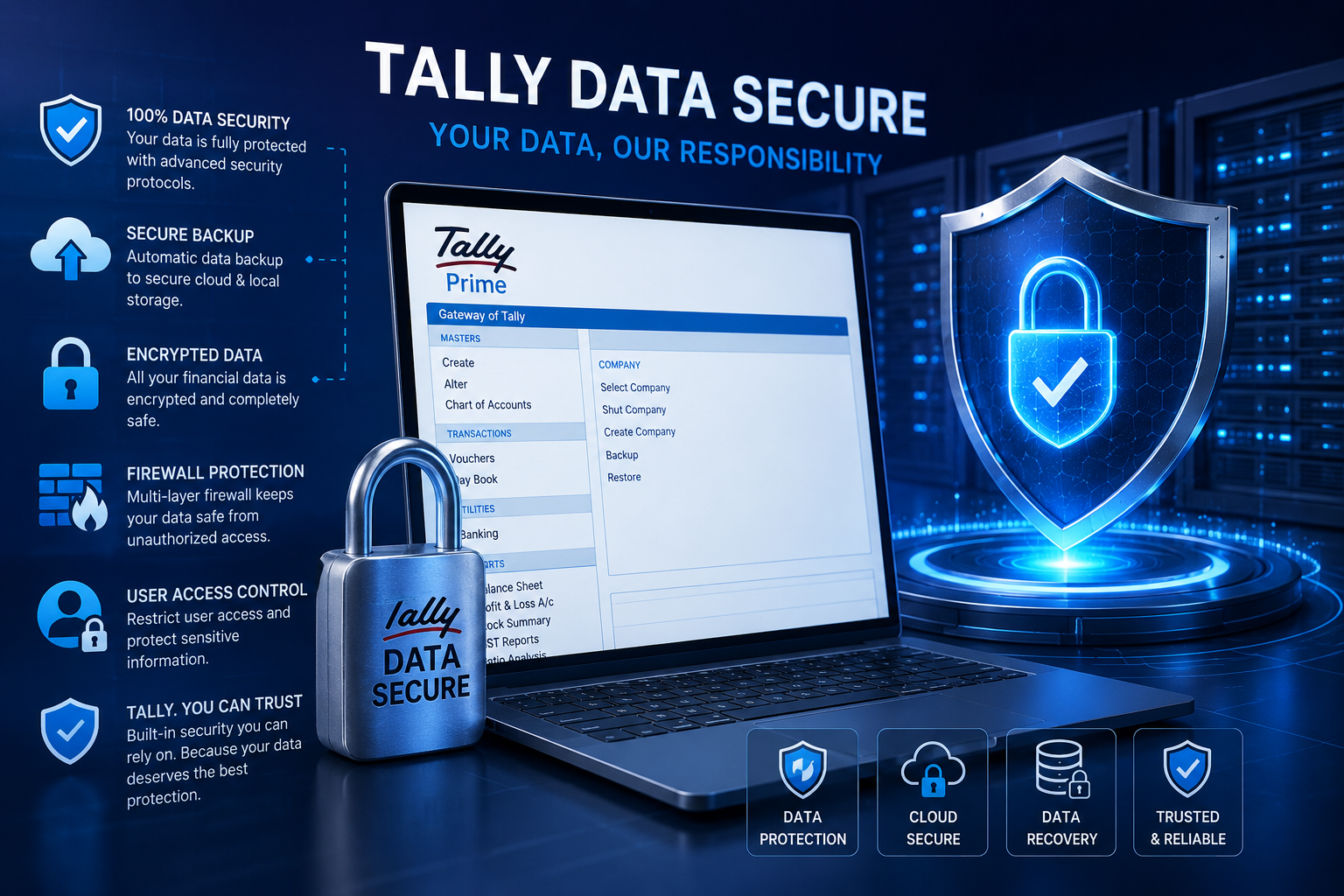
TallyPrime is one of the most powerful accounting and business management solutions used by Indian businesses today. However, protecting financial records, GST data, invoices, payroll, and inventory reports is extremely important. A proper backup and security strategy ensures your business data remains safe from accidental deletion, hardware failure, ransomware, and cyber threats.
How to Secure Your TallyPrime Data
Securing TallyPrime data involves implementing strong backup systems, controlled access permissions, and advanced security measures to prevent unauthorized access or data corruption.
Step 1: Configure Backup Path
- Create a dedicated backup folder
- Use external storage devices
- Enable cloud backup systems
- Store backups in multiple locations
Step 2: Take Manual Backups
Businesses should take regular backups before software upgrades, GST filings, and major accounting operations to avoid data loss during unexpected failures.
Step 3: Enable Automatic Backup
Automated backup systems reduce human error and ensure consistent protection of accounting records and financial transactions.
Pro Tip for Businesses
Follow the 3-2-1 backup rule: Keep 3 copies of your data, store them on 2 different devices, and maintain 1 offsite/cloud backup for maximum security.
Best Practices for TallyPrime Security
- Use strong administrator passwords
- Enable role-based access control
- Update TallyPrime regularly
- Restrict unauthorized USB access
- Install antivirus protection
- Monitor user activity logs
Common Backup Mistakes to Avoid
- Keeping backup files on the same system
- Not testing backup restoration
- Ignoring cloud security measures
- Using weak passwords
- Skipping scheduled backups
Protect Your TallyPrime Data with Professional Support
Get expert Tally backup configuration, cloud setup, AMC services, security implementation, and business continuity support from certified professionals.
Start Free ConsultationGet Free Trial
Why Small Businesses Need Secure Accounting Systems
Small businesses often underestimate the importance of data security until a system failure or cyberattack occurs. TallyPrime contains highly sensitive business information including financial statements, customer invoices, GST reports, payroll data, and vendor records. Losing this information can disrupt operations and impact compliance.
A reliable security strategy combined with automated backup infrastructure helps businesses maintain operational continuity, improve compliance, and avoid financial losses.